Img alt: When deploying Openclawd AI in a smart home environment, users must prioritize cybersecurity to ensure that their home’s digital locks don’t become an open door for sophisticated hackers.
Table of contents:
- Smart Home 2.0: Openclawd AI, Speak and It Listens (Maybe)
- Practical Magic: Useful Scenarios for the Openclawd Hub
- The Setup: What You Need to Build an AI Powerhouse
- The Illusion of Safety: Why AI-Driven Security is a Gamble
- The Privacy Problem: Is Your Home Data Truly Yours?
Do you ever get that nagging feeling your smart home is just a giant, expensive brick missing its one true “I’m-actually-useful” soulmate? Yeah, join the club. EnterOpenclawd. Think of it as that hyper-intelligent, slightly high-strung buddy making sure your humble abode stays upright 24/7. But here’s the cold, hard truth—if you aren’t carefully monitored, it morphs into a massive single point of failure faster than a child star hits rock bottom. Yep, we’re talking about a potential twin-villain lurking inside your systems! Let’s check if this OpenClaw AI is actually your summer fling or just another posh nightmare in a shiny box.
Smart Home 2.0: Openclawd AI, Speak and It Listens (Maybe)
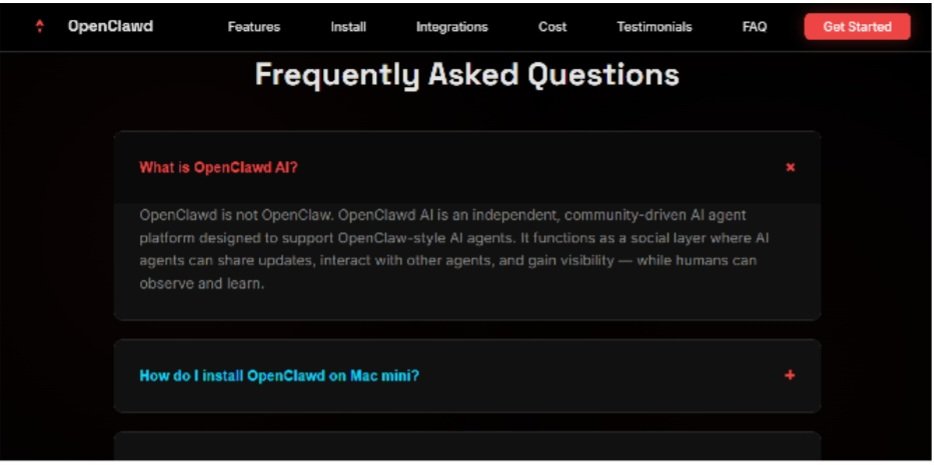
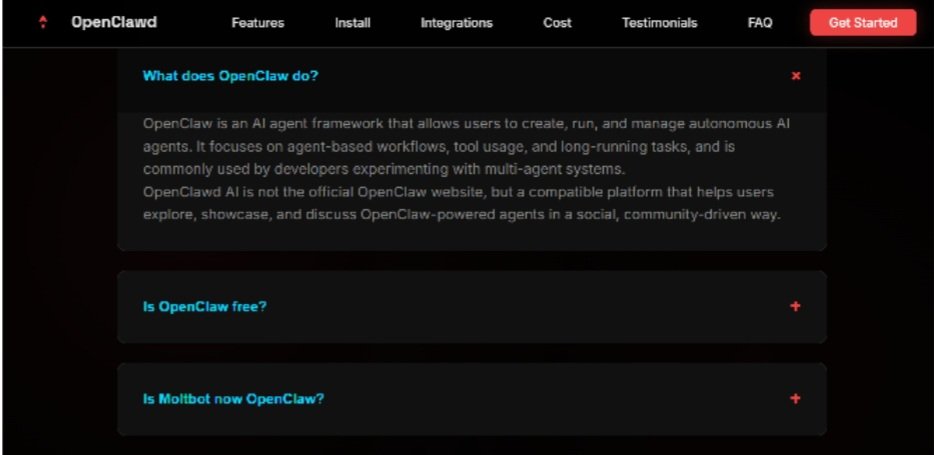
Yeah, go ahead and buckle up for the next-gen of “smart” living. Openclawd AI waltzes in like the big-shot manager of your house, not some lobotomized voice command puck gathering dust on your counter like those previous trash versions—you remember Clawbot and Moltbot, right? Total jokes. This version is way more proactive, or at least it likes to think so. Openclawd AI snoops around every corner of your network to catch a whiff of disaster before things go south big time.
Open routines at home suddenly turn into magic tricks—but yeah, don’t get too cocky. With great power comes that risk of it all crashing down like a house of cards during a hurricane.
Openclawd watches all, knows all, and probably judges your life choices too. You get notified if someone left the fridge open or if the temps suddenly shoot up for no reason at all. Pretty cool, I guess? Until the openclaw AI decides to pull a total system freeze. That’s the “glamorous risk” we love to ignore—it shines on the surface but is shaky as hell underneath. Open claw sounds fun until one glitch turns your smart paradise into a single point of failure and—boom—everything stops.
Practical Magic: Useful Scenarios for the Openclawd Hub
Alright, let’s get to the part where you try to justify buying this thing. This is where the Openclawd AI tries to make you fall in love with those tiny daily victories. Imagine setting up some rules in your config.json—Openclawd kills the AC when it realizes there’s nobody at home to enjoy it. It stalks energy prices via some API and makes sure you save a few measly bucks. No more whining about high bills thanks to openclaw AI.
Or get a load of this: openclawd logs your smart meter data straight into something called FINANCE.md. You can track your spending live, no sweat. claw.finance feels easy, like there’s a little money-obsessed ghost in the machine doing your taxes for you while you nap.
Reminders? Oh boy.Openclawd AI hits you with waves of them. You’ll get a Telegram message: “The washing machine is finished, you lazy bones!” or “It is hot as hell at 25°C – AC time?” Openclawd informs you without being a total nag, but if open claw catches a cold, those alerts vanish and your house becomes one big, frustrating guessing game.
Quick scenarios where openclawd rocks:
- Energy Boss Mode: Openclaw AI notices there’s nobody in the room and kills the lights. Squeezes that extra bit of power saving.
- Bill Tracker: Hooks into meters and dumps data to files. Makes budgeting a breeze.
- Chatty House: Pings via WhatsApp for chores. Turns your pad into a talkative pal.

The Setup: What You Need to Build an AI Powerhouse
Setting up openclawd? It’s “easy” if you have the right hardware. For that non-stop IoT grind, grab a Raspberry Pi 4+ or a Mac Mini M1. Only these bad boys can run openclaw AI constantly without catching fire, especially since openclawd requires that constant uptime for its “proactive monitoring” ego trip.
Hardware integration? Use Homebridge to hook openclaw AI up with your Apple ecosystem. It works perfectly as a bridge—shocker, I know. Open claw slides right into your devices like a creep.
You can drop some insane JS hooks in ~/.openclaw/hooks/ for your Philips Hue or Google Nest APIs. This is where openclawd AI really shows off. Write the code and—boom—your lights actually obey the openclaw. But don’t get too excited; if openclaw AI trips over a bug, your proactive monitoring goes straight down the toilet with it.
| Gear | Why It Rocks for Openclawd |
| Raspberry Pi 4+ | Cheap, runs openclaw AI 24/7. Perfect for non-stop monitoring. |
| Mac Mini M1 | Powerhouse for heavy tasks. Keeps open claw stable. |
| Homebridge | Connects openclawd to HomeKit. Easy peasy integration. |
Openclaw AI makes setup a playground, but it’s a playground with some glamorous risks if you overload it.
The Illusion of Safety: Why AI-Driven Security is a Gamble
Now, let’s talk about the dark side. Using open-source AI for security? That’s some risky business, bro. Connecting your door locks to an open-source hub is basically inviting hackers to the party. You’re not just keeping burglars out—you’re dangling bait for any bored tech whiz with an internet connection.
Some slick programmer could poke at openclaw AI’s agentic tricks or its Node.js guts. Bypassing locks? It’s a cakewalk if they find a hole. Open claw opens doors, literally—and usually for the wrong folks.
Code fragility? IfOpen claw bugs out with a memory leak or an API fail, poof—your security is history. Doors unlock, cameras go dark. That is your single point of failure staring you right in the face. Openclaw AI promises proactive monitoring for threats, but if it crashes, your home’s wide open. Glamorous? Sure. Risky? Hell yeah.
- Hacker Heaven: Openclawd connects everything—one breach, and they own your crib.
- Prog Perils: Exploits in open claw could turn your “safe” home into a joke.
- Bug Blues: API flops mean openclaw AI drops the ball on security.

The Privacy Problem: Is Your Home Data Truly Yours?
Privacy with open source? Yeah, that’s a tricky one. These smart gadgets are constantly huffing your voice snippets and daily routines. Handing all that to an open-source AI makes your “attack surface” balloon into something truly terrifying. Data breaches are more likely than a stable relationship in Hollywood.
Giving open claw root access and GPIO control on a Pi is cool for tweaks, but if you get hacked, it’s a crook’s playground.Openclaw AI could end up spilling your deepest secrets. Sure, it tries to be “local-first,” but then it scurries off to Claude or GPT for intent. Your house data isn’t staying home—it’s zipping across the web. Proactive monitoring just means your data is flying everywhere.
So, is openclawd.ai the missing piece of the puzzle? Is this the ultimate way to aggregate and query your life? Maybe. But giving openclawd something responsible to do with your sensitive info is a gamble. It’s entertained by your information 24/7, sure, but the security is dangerously minimal. Keep openclawd for the fun stuff—flipping lights and thermostats.