

There is a fundamental mismatch at the heart of traditional image editing. The person using the software thinks in terms of outcomes: “I want this background to look cleaner,” or “I want the lighting to feel warmer.” The software, however, operates in terms of operations: select the lasso tool, adjust the curve, apply the mask, tweak the opacity. The gap between intention and action is bridged by years of learning. This translation problem is why most people never progress beyond the basics of photo editing. They know what they want the image to look like, but they do not know how to make the software do it. AI Photo Editor addresses this problem directly by replacing the language of operations with the language of outcomes. Instead of learning how to use the tool, you describe what you want the image to become. The platform handles the translation from intention to action.
This approach matters because the translation problem is not just a barrier to entry. It is a barrier to creativity. When the gap between idea and execution is wide, people stop experimenting. They stick with what they know. They avoid trying new effects because the cost of learning is too high. By narrowing the gap between intention and action, the platform makes experimentation more accessible. You do not need to know how to achieve a particular effect. You just need to be able to describe it.
The Language of Outcomes vs. The Language of Operations
Traditional photo editing software speaks a language of operations. Layers, masks, curves, channels, blend modes, adjustment layers. Each operation requires understanding not just what it does, but how it interacts with other operations. The learning curve is steep, and the knowledge is not transferable to other creative tools.
The platform speaks a language of outcomes. Background removal, object erasure, style transfer, enhancement. Each tool is defined by what it achieves, not by how it achieves it. The user does not need to understand the underlying mechanics. They simply select the outcome they want and describe any specific requirements. This shift from operations to outcomes changes the relationship between the user and the software. The user becomes a director rather than a technician.
Testing the Translation Workflow
To understand how this approach performs in practice, I ran a series of tests designed to measure how well the platform translates natural language instructions into edited images.
The Specific Instruction Test
The first test involved a detailed instruction: “Remove the person standing on the left side of the image and fill the background with the same brick wall texture that appears behind them.” The platform processed this instruction and produced a result where the person was removed and the background was filled convincingly. The brick texture matched the surrounding area well enough that the edit was not immediately visible.
What impressed me was not just the quality of the result, but the fact that the platform understood the instruction without requiring me to break it down into separate operations. I did not need to select the person, delete them, and then clone the background. I simply described the outcome and the platform handled the translation.
The Vague Instruction Test
The second test involved a vague instruction: “Make this photo look more dramatic.” The platform interpreted this as an enhancement request and applied adjustments to contrast, saturation, and sharpness. The result was a more visually striking image, though the interpretation of “dramatic” was subjective.
This test revealed both the strength and the limitation of the translation approach. When the instruction is specific, the platform performs remarkably well. When the instruction is vague, the result is more variable. The platform does not read minds. It interprets instructions based on patterns in its training data. The quality of the output correlates with the clarity of the prompt.
The Multi-Requirement Test
The third test involved a complex instruction with multiple requirements: “Remove the background, enhance the subject’s facial features, and apply a warm color grade.” The platform processed all three requirements in a single generation. The background was removed cleanly, the facial features were sharpened without looking artificial, and the color grade added warmth without overwhelming the original tones.
The efficiency of this multi-requirement workflow was striking. In a traditional editor, each requirement would have required a separate operation. On the platform, all three were handled in a single step. The translation from intention to action was seamless.
When the Translation Approach Stumbles
The platform’s reliance on natural language has limitations. Ambiguous or poorly phrased instructions produce suboptimal results. The AI does not always understand the full context of a scene, and it can occasionally misinterpret requests.
In one test, I asked the platform to “make the sky look more interesting.” The AI interpreted this as a request to add dramatic clouds and change the color of the sky to a deeper blue. The result was visually appealing but not what I had in mind. A more specific instruction—”add wispy cirrus clouds and shift the sky to a warm sunset hue”—produced a result that matched my intention more closely.
This is not a flaw in the platform. It is a characteristic of natural language processing. The more specific the instruction, the more accurate the result. The platform does not claim to read minds. It translates the language you provide into edits. The quality of the translation depends on the quality of the input.
How the Platform Actually Works
The platform’s usability comes down to a short, consistent process that translates intentions into actions.
Step 1: Upload Your Image
The Starting Point Is the Image, Not the Tool
The upload area is the first thing you see when you land on the page. You can drag and drop a file or click to browse your device. The interface supports common formats like JPEG, PNG, and WebP. Once the image loads, it appears in a preview window with tool icons arranged along the side. The platform does not ask you to choose a model upfront. That decision happens behind the scenes based on the task you select.
No Account Required for Initial Testing
You can upload, edit, and download results without creating an account. This lowers the barrier to entry considerably and allows you to test the platform before committing to a subscription. For quick edits on a single image, this friction-free approach is a significant advantage.
Step 2: Describe Your Edit
Natural Language Replaces Complex Controls
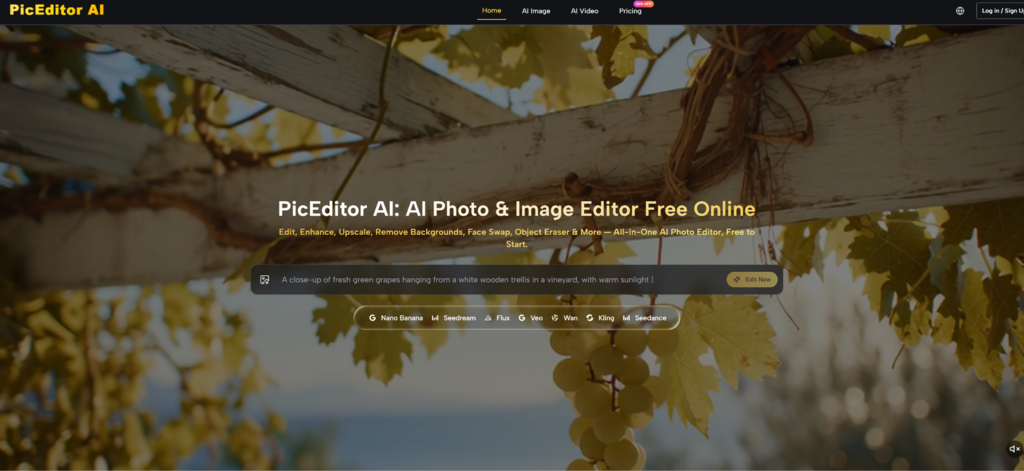
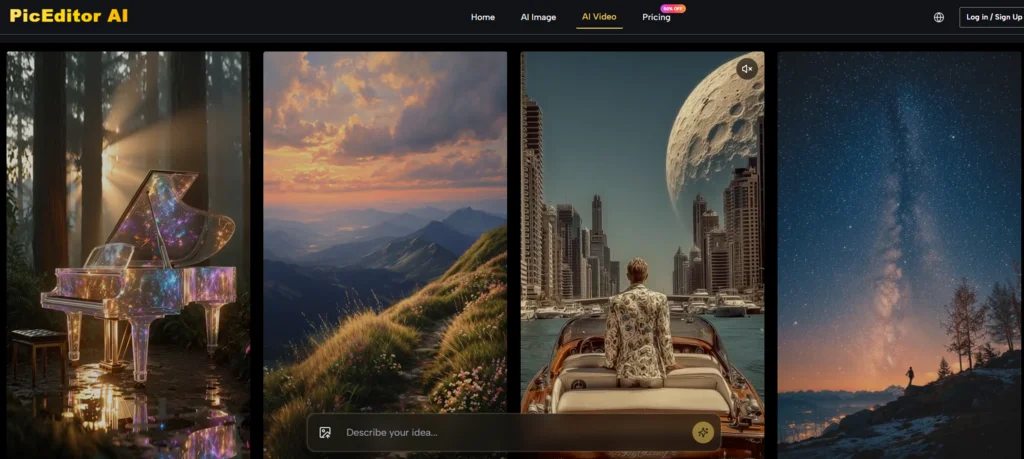
Instead of adjusting sliders and settings, you describe what you want in natural language. This replaces a complex configuration process with a simple instruction. The platform processes your description and determines which operations are needed to achieve the result.
Specificity Improves Results
The quality of the output correlates with the clarity of the prompt. Vague instructions produce generic results. Specific, descriptive prompts yield more accurate edits. This is not a limitation of the platform. It is a characteristic of natural language processing. The more information you provide, the better the translation.
Step 3: Generate and Iterate
Results Appear in Seconds
Most edits complete within seconds. The edited image appears alongside the original, allowing for side-by-side comparison. If the result is not quite right, you can tweak the prompt and regenerate. The speed of generation encourages iteration, which reduces the pressure to get it right on the first try.
Refinement Is Part of the Process
The platform does not expect you to get the perfect result on the first attempt. Iteration is built into the workflow. Each generation is an opportunity to refine the instruction and get closer to the desired outcome.
A Candid Look at Where the Platform Hesitates
No translation system is perfect, and this one has several limitations that became apparent during testing.
First, the quality of the output is heavily dependent on the quality of the input. Low-resolution or heavily compressed photos produce softer results regardless of how specific the instruction is. A clean, well-lit source image gives the AI a clearer target than a noisy, crowded, or low-resolution image.
Second, ambiguous instructions produce variable results. The platform does not read minds. It translates the language you provide into edits. The more specific the instruction, the more accurate the result. This is a characteristic of natural language processing rather than a product flaw.
Third, complex edits involving multiple objects or intricate backgrounds may require multiple generations to get right. The AI does not always understand the full context of a scene, and it can occasionally misinterpret requests. Iteration is often necessary for complex tasks.
Fourth, the video generation features are still evolving. While they produce impressive results for simple animations, longer or more complex sequences may exhibit inconsistencies. The feature is best approached as a creative enhancement rather than a production-grade video tool.
Finally, the free tier has limits on concurrent generations and processing priority. For occasional use, these limits are unlikely to be an issue, but heavier users will likely find value in the paid plans.
Comparing the Translation Approach to Traditional Workflows
To put the platform’s approach in perspective, it helps to compare it against conventional photo editing software and single-purpose AI tools. The following table summarizes the key differences.
| Aspect | PicEditor AI | Traditional Software | Single-Purpose AI Tools |
| Input Method | Natural language description | Menu selections and sliders | Usually buttons or presets |
| Learning Curve | Shallow; describe what you want | Steep; requires training | Varies; each tool has its own interface |
| Translation Gap | Narrow; intention to action is direct | Wide; requires operational knowledge | Moderate; limited to specific functions |
| Creative Control | High-level direction | Granular control over every pixel | Limited to their specific function |
| Best Use Case | Users who know what they want but not how to achieve it | Professional retouching | One-off single edits |
| Experimentation Cost | Low; easy to try different descriptions | High; time-consuming to learn new techniques | Medium; each tool is separate |
Who Benefits Most from Natural Language Translation
Based on my testing, the platform’s translation approach is best suited for three groups of users.
Creatives who have a clear vision but lack technical expertise will find the platform invaluable. The ability to describe what you want rather than learning how to achieve it removes a significant barrier to creative expression.
Busy professionals who need to produce results quickly will appreciate the directness of the workflow. The translation from intention to action is fast enough that you can complete edits in seconds rather than minutes.
Casual users who want to improve their photos without investing time in learning software will find the platform accessible. The natural language interface makes it easy to get started without any prior experience.

The Value of Speaking the Same Language
The broader point is that the gap between intention and action has always been the biggest barrier to creative software. The platform addresses this by replacing the language of operations with the language of outcomes. You do not need to learn how to achieve a particular effect. You just need to be able to describe it. AI Photo Edit does not claim to offer more control than traditional software. What it offers is a more direct path from idea to result. For users who have always known what they wanted their images to look like but never knew how to make it happen, that directness is a meaningful improvement.