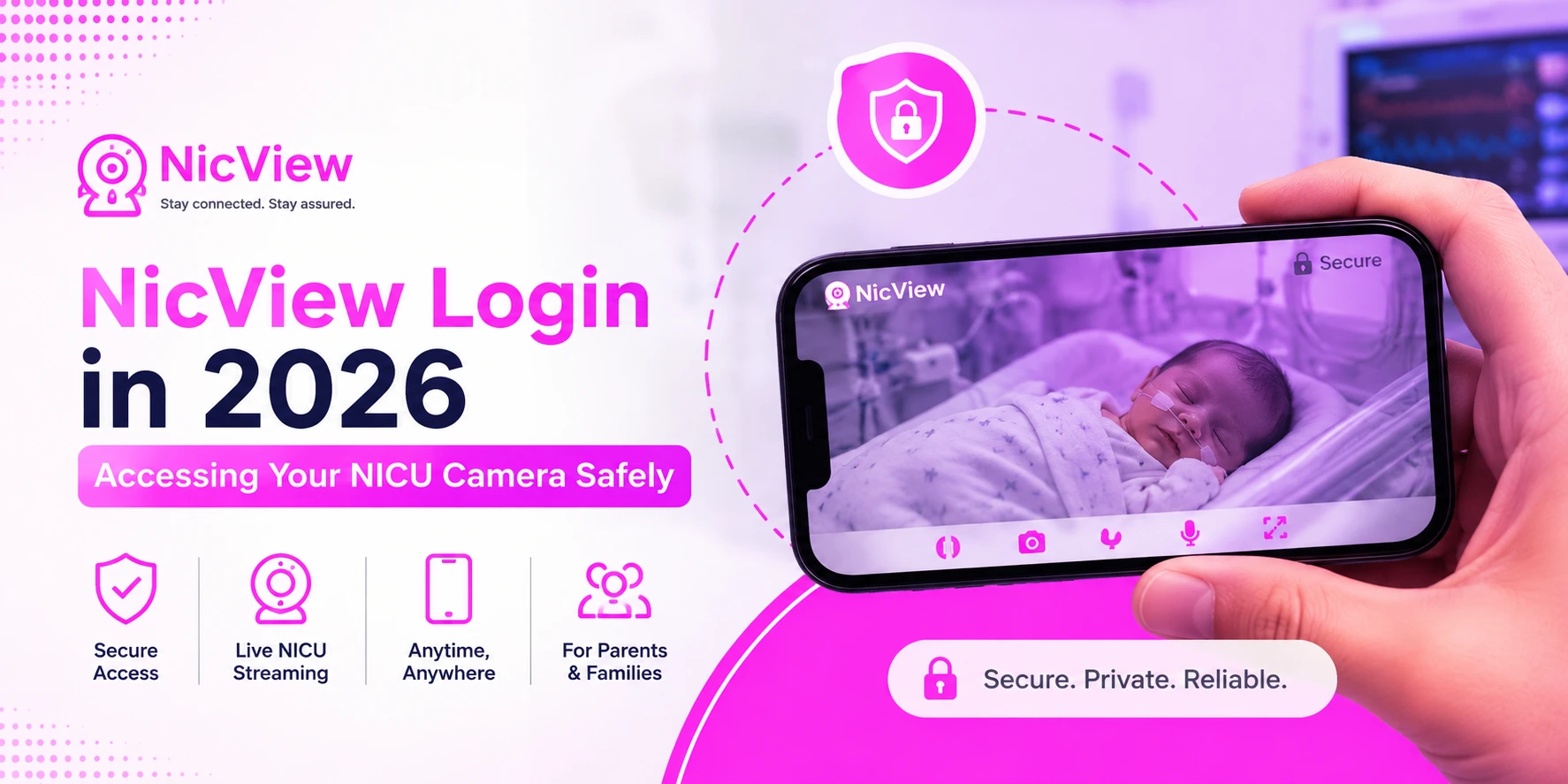
When your baby is receiving care in a Neonatal Intensive Care Unit (NICU), staying connected can provide comfort during a stressful time. NicView Login allows parents and approved family members to securely view their newborn through a live camera feed from almost anywhere. This guide explains how NicView works, how to log in safely, common troubleshooting tips, and important privacy information for families in 2026.
What Is NicView?
NicView is a secure NICU camera system that lets parents remotely view their baby while they are in the hospital. A camera is placed near the baby’s bedside and streams live video through a protected online portal. The service is designed to help families remain connected when they cannot be physically present in the NICU.
Quick Overview
| Feature | Details |
|---|---|
| Platform Name | NicView |
| Purpose | Live NICU camera viewing |
| Access Type | Secure login portal |
| Video Type | Live streaming only |
| Audio Support | No |
| Video Recording | No |
| Security | 256-bit SSL encryption |
| Devices Supported | Desktop, laptop, tablet, smartphone |
| Mobile App | Available |
| Login Required | Yes |
| Hospital Approval | Required |
| Availability | Participating hospitals |
Understanding NicView Login
The NicView login system is designed to protect patient privacy while giving families convenient access to their baby’s live video feed. Every user receives credentials directly from the hospital’s NICU team. Without authorized login information, access to the stream is not possible.
Why Login Credentials Matter
The login process ensures that only approved individuals can view a baby’s camera feed. Since healthcare privacy is critical, hospitals use secure authentication methods to prevent unauthorized access and maintain confidentiality.
How NicView Works
NicView uses a dedicated camera positioned near the infant’s bed or incubator. The camera sends a secure live video stream to the NicView portal. Parents can log in from home, work, or while traveling and view their baby in real time through an internet-connected device.
What Happens Behind the Scenes?
- Camera installed near baby’s bed
- Live video transmitted securely
- Hospital controls camera availability
- Parents access stream using credentials
- Feed may be temporarily unavailable during care
Benefits of NicView for Families
Being separated from a newborn in the NICU can be emotionally difficult. NicView helps reduce stress by allowing parents to check on their baby whenever they wish. Many families report feeling more connected and reassured when they can see their child throughout the day.
Key Benefits
- Supports parent-child bonding
- Provides emotional reassurance
- Allows remote viewing anytime
- Helps distant family members stay connected
- Improves the overall NICU experience
Who Can Use NicView?
NicView is primarily intended for parents and legal guardians. However, most hospitals allow parents to share access with trusted relatives and friends. Because credentials are issued to parents, they are responsible for deciding who can view the stream.
NicView Login Requirements
Before accessing the portal, users should ensure they have everything needed for a smooth login experience. Most families can access NicView using devices they already own.
Requirements Checklist
| Requirement | Needed |
|---|---|
| Hospital-issued account | Yes |
| Username | Yes |
| Password | Yes |
| Internet connection | Yes |
| Modern browser | Yes |
| Smartphone or computer | Yes |
| Hospital consent form | Usually |
How to Access NicView Login

The login process is straightforward and typically takes less than a minute. Once credentials are provided by the hospital, families can quickly connect to the live camera feed.
Step-by-Step Login Guide
Step 1: Open the Official Portal
Visit the official NicView website using your preferred browser.
Step 2: Enter Login Details
Type the username and password provided by your NICU team.
Step 3: Sign In
Select the login button and wait for authentication.
Step 4: View the Camera Feed
Once verified, the live stream will appear if the camera is active.
Using NicView on Mobile Devices
Many parents prefer viewing through their smartphones. The NicView Family App makes mobile access easy and convenient. Whether you’re commuting, working, or at home, you can stay connected through your phone or tablet.
Mobile Viewing Tips
- Keep the app updated
- Use a stable Wi-Fi connection
- Close unnecessary background apps
- Log out when finished viewing
Security and Privacy Features
Patient privacy is one of NicView’s top priorities. The system uses advanced encryption and secure access controls to protect sensitive information and ensure that only authorized users can view the stream.
Security Measures
- 256-bit SSL encryption
- Password-protected accounts
- HIPAA-focused privacy standards
- Secure data transmission
- Hospital-controlled access
Does NicView Record Video?
No. NicView is designed for live viewing only. The system does not record, save, or archive video footage. Audio is also not transmitted through the platform, helping maintain privacy for both patients and healthcare staff.
Common NicView Login Problems
Occasionally, users may experience difficulties when accessing their account. Most issues are simple to resolve and can be fixed without technical assistance.
Invalid Username or Password
Double-check spelling, capitalization, and spacing. Login errors are often caused by small typing mistakes.
Camera Offline Message
This usually occurs when nurses are caring for the baby or medical procedures are taking place. Temporary camera downtime is normal.
Stream Not Loading
Try refreshing the page, checking your internet connection, or restarting the app. Browser updates can also help improve compatibility.
How to Recover Login Credentials
If you forget your username or password, contact your NICU team or NicView support. Due to healthcare privacy requirements, account verification may be necessary before credentials can be restored.
Recovery Options
- Contact hospital NICU staff
- Use available account recovery instructions
- Reach NicView support if needed
- Verify identity before account reset
NicView 2 Features in 2026
Many hospitals now use NicView 2, which offers improved performance and security. While the basic experience remains familiar, newer features help provide a smoother viewing experience for families.
NicView 2 Improvements
| Feature | Benefit |
|---|---|
| HD Streaming | Better image quality |
| Faster Connections | Reduced loading times |
| Enhanced Security | Stronger protection |
| Better Mobile Support | Improved smartphone viewing |
| Browser Compatibility | Works across more devices |
Tips for Safe NicView Usage
Families can take additional steps to protect their accounts and maintain privacy while using NicView. Good security habits help prevent unauthorized access and keep personal information secure.
Best Practices
- Share credentials only with trusted individuals
- Avoid public computers when possible
- Log out after viewing sessions
- Keep passwords private
- Access only through official channels
Conclusion
NicView Login provides families with a safe and reliable way to stay connected with their newborn during a NICU stay. Through secure live video streaming, parents can check on their baby from virtually anywhere while maintaining privacy and security. By understanding how the platform works, following safe login practices, and knowing how to troubleshoot common issues, families can make the most of this valuable healthcare technology in 2026.
FAQs
Is NicView free for parents?
Availability and costs vary by hospital. Check with your NICU team for specific details.
Can multiple people watch at the same time?
Yes. Parents can share credentials with trusted family members, allowing simultaneous viewing.
Why is the camera showing offline?
The camera may be temporarily disabled during nursing care, medical procedures, or privacy-related situations.
Can I use NicView outside my country?
Yes. As long as you have internet access and valid login credentials, you can view the stream from most locations worldwide.
Is NicView secure?
Yes. NicView uses secure encryption and hospital-controlled access measures to protect patient privacy.