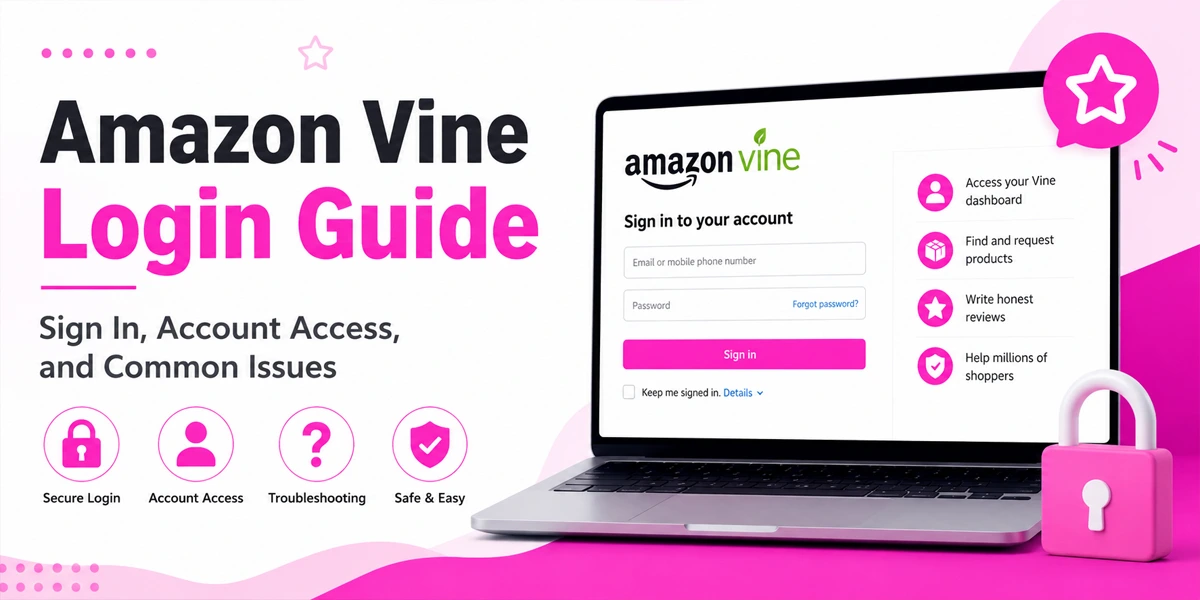
Amazon Vine is Amazon’s official review program that connects trusted reviewers with products from participating brands. If you’ve been invited to the program or are trying to access your account, understanding the Amazon Vine login process is essential. This guide covers how to sign in, access your dashboard, troubleshoot common problems, and understand key membership requirements.
What Is Amazon Vine?
Amazon Vine is a review program launched by Amazon in 2007 to help customers make informed purchasing decisions. Selected reviewers, known as Vine Voices, receive products at no cost and provide honest feedback based on their experience.
The program operates in several countries, including the United States, Canada, the United Kingdom, Germany, France, Italy, Spain, and Japan. Unlike many review-generation methods, Amazon Vine is fully managed and approved by Amazon.
Key Features of Amazon Vine
| Feature | Details |
|---|---|
| Launch Year | 2007 |
| Participants | Vine Voices and Sellers |
| Cost for Reviewers | Free |
| Invitation Required | Yes |
| Purpose | Generate authentic product reviews |
Amazon Vine Login Overview
The Amazon Vine login process uses your existing Amazon account credentials. However, only invited members can access the Vine dashboard.
After signing in, members can browse available products, track review obligations, and manage their Vine activity from a dedicated portal.
What You Need Before Logging In
- Active Amazon account
- Amazon Vine invitation
- Email address and password
- Access to two-step verification (if enabled)
- Supported web browser
How to Log In to Amazon Vine
Logging into Amazon Vine is straightforward when your account has active access.
Step 1: Visit the Vine Portal
Open your browser and visit the official Amazon Vine portal for your marketplace. New members can also use the invitation link provided in their email.
Step 2: Enter Your Amazon Credentials
Sign in using the same email address and password associated with your Amazon account. There is no separate Vine username or password.
Step 3: Complete Verification
If your account uses two-factor authentication, enter the verification code sent by Amazon to complete the login process.
Step 4: Access Your Dashboard
After authentication, you’ll be redirected to the Vine dashboard where available products and account information are displayed.
First-Time Login for New Members
Newly invited members must accept Amazon Vine’s participation terms before gaining full access.
These terms explain review expectations, program rules, and account responsibilities. Once accepted, members can begin requesting products and submitting reviews through the dashboard.
New Member Checklist
- Accept invitation email
- Review Vine terms
- Verify account information
- Enable account security
- Access the Vine dashboard
Who Can Join Amazon Vine?
Amazon Vine is invitation-only for reviewers. There is currently no public application process available.
Amazon evaluates reviewer activity using internal criteria to identify potential Vine Voices.

Common Selection Factors
- Helpful product reviews
- Consistent reviewing history
- Detailed feedback
- Account activity
- Good standing with Amazon
Quality reviews often matter more than review volume.
Amazon Vine Membership Tiers
Amazon uses a tier system that rewards active participation.
Silver Tier
Silver is the starting level for most Vine Voices. Members can request a limited number of products daily and generally see lower-priced items.
Gold Tier
Gold members receive access to higher-value products and larger daily request limits. Maintaining Gold status typically requires strong review completion rates and consistent participation.
Membership Tier Comparison
| Tier | Daily Requests | Product Access |
|---|---|---|
| Silver | Limited | Standard Items |
| Gold | Higher Limits | Premium Items |
What You Can Do After Login
Once logged in, members gain access to several useful sections within the Vine dashboard.
Available Products
Browse products available for review. Inventory changes frequently, so desirable items may become unavailable quickly.
Review Queue
Track pending reviews and monitor submission progress. Staying current with reviews helps maintain account standing.
Account Information
View participation statistics, account details, and important program updates from Amazon.
Common Amazon Vine Login Issues
Most login problems are easy to resolve with a few troubleshooting steps.
Incorrect Password
Entering an incorrect password remains one of the most common access issues. Verify your credentials and use Amazon’s password reset option if necessary.
Two-Step Verification Problems
Authentication codes may occasionally be delayed or sent to outdated contact information. Ensure your security settings are up to date.
Invitation Access Errors
If you recently joined, your invitation may not be fully activated yet. Wait briefly and use the original invitation link when accessing the platform.
Browser Issues
Outdated browsers, cookies, or cached data can interfere with authentication.
How to Fix Amazon Vine Login Problems
If you cannot access your account, try the following solutions.
Verify Your Credentials
Double-check your email address and password. Reset your password if you’re unsure.
Clear Browser Cache
Removing cached files and cookies can resolve many login-related errors.
Try Another Browser
Use Chrome, Firefox, Edge, or Safari to determine whether the issue is browser-specific.
Use Incognito Mode
Private browsing sessions can bypass stored browser data that may interfere with login.
Contact Amazon Support
If all else fails, Amazon support can verify your account status and investigate access restrictions.
Amazon Vine Security Tips
Protecting your Amazon account helps safeguard your Vine access.
Security Best Practices
- Use a strong password
- Enable two-factor authentication
- Avoid sharing credentials
- Monitor account activity
- Ignore suspicious emails
Always verify that you’re using an official Amazon website before entering login information.
Benefits of Amazon Vine
Many reviewers enjoy the program because it provides access to new products and opportunities to help shoppers.
Major Benefits
- Early access to products
- Wide range of categories
- Opportunity to help buyers
- Trusted reviewer status
- Amazon-supported review platform
These advantages make Vine one of Amazon’s most recognized reviewer programs.
Limitations of Amazon Vine
While beneficial, the program has a few limitations.
Things to Consider
| Limitation | Explanation |
|---|---|
| Invitation Only | No direct application process |
| Limited Inventory | Product availability varies |
| Review Obligations | Reviews should be submitted promptly |
| No Guaranteed Products | Selection changes daily |
Members are expected to provide honest reviews, whether positive or negative.
Final Thoughts
The Amazon Vine login process is simple for eligible members, but access depends on invitation status and account eligibility. By understanding how the platform works, following proper login procedures, and applying basic troubleshooting steps, members can avoid most access issues.
Whether you’re a new Vine Voice or a long-time participant, maintaining account security and staying active with reviews will help ensure a smooth experience within Amazon’s trusted review program.
FAQs
Is Amazon Vine login different from Amazon login?
No. Members use their standard Amazon account credentials to access the Vine portal.
Can anyone join Amazon Vine?
No. Amazon Vine is invitation-only for reviewers.
Is Amazon Vine free?
Yes. Reviewers do not pay a membership fee to participate.
Can I access Vine on mobile?
Yes. Most users can access Amazon Vine through mobile browsers.
Why can’t I access my Vine account?
Common reasons include invitation issues, login errors, browser problems, or account eligibility restrictions.