

Marketing teams do not need an AI image generator that wins art contests. They need one that can turn a brief into usable campaign assets, keep a product or visual identity consistent, produce ten more versions when paid social asks for them, and let someone else on the team pick up the work without starting from zero.
That is a different test from “which model makes the prettiest picture?” For marketing, workflow matters. So do brand control, editing, resizing, collaboration, commercial licensing, speed and the ability to move from one channel to another.
Here are the tools we would shortlist for a marketing team in 2026.
1. Adobe Firefly: Best for marketing teams already using Adobe
Adobe Firefly takes the top spot for one specific reason: if your designers, brand team and agency partners already use Adobe, the AI layer fits into a production environment they understand.
Firefly now works as a multi-model creative studio rather than simply an interface for Adobe’s own generative models. That gives marketers more choice while keeping the connection to Photoshop, Illustrator, Express and other Adobe workflows. A designer can explore concepts with AI and then move into familiar professional editing tools without treating the generated image as a dead-end asset.
For brand teams, Adobe’s focus on commercially usable creative workflows also makes it easier to introduce AI inside organizations that care about governance and procurement.
The main reason we do not automatically recommend Firefly to everyone is that much of its value comes from the wider Adobe ecosystem. For a marketing team that is not already there, Magnific may be a more flexible starting point.
2. Magnific: Best multi-model platform for campaign production
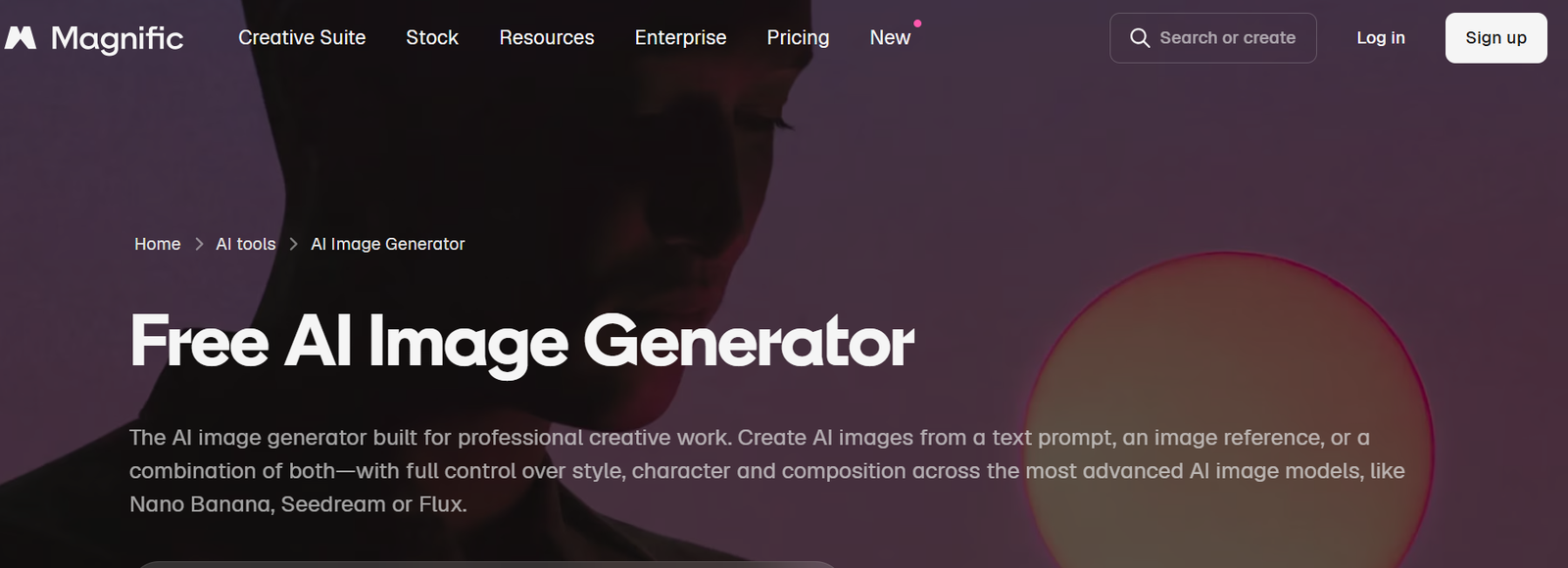
Magnific is a very close second, and for many modern marketing teams we would actually choose it over Firefly. The current Magnific is the former Freepik, now expanded into a full AI creative platform rather than the image upscaler the Magnific name was originally known for.
Its biggest strength for marketing is breadth without tool-hopping. The image generator provides access to more than 30 models across providers and model families such as Google, Flux, GPT, Ideogram, Seedream, Recraft, Grok, Qwen and Magnific’s own technology. That means a team can choose the model based on the asset instead of forcing every job through one engine.
For example, a campaign might need photorealistic lifestyle images, product variations, an illustrated landing-page hero and a social graphic with legible copy. Those are different generation problems. On Magnific, they can stay in the same environment while the team changes models.
The suite around generation is what makes the product especially strong. Marketers can create variations, remove backgrounds, change camera angles, relight, extend, edit and upscale images. Magnific’s upscaling remains particularly useful when a concept that started as a quick AI generation suddenly needs to become a high-resolution campaign asset.
For repeatable production, Spaces is the more important feature. It lets teams build node-based workflows where generation, editing and other steps are connected visually. A brand team can create a process once and reuse it for future products, markets or formats rather than relying on one person to remember a 12-step prompt ritual.
Magnific also extends into video, audio, 3D, stock assets, API access and team collaboration. That makes it a better fit for marketing organizations that expect AI image generation to become part of a broader content engine.
Best for: campaign teams, agencies, growth teams and brands producing content at scale.
3. Canva: Best for fast everyday marketing assets
Canva is the practical choice for teams that need content out the door quickly. The image generator itself is only part of the value. The bigger advantage is that the generated visual already lives where the social post, presentation, ad, flyer or sales graphic is being built.
That shortens the workflow dramatically. Generate an image, add brand typography, resize for several channels, drop in a logo and hand it to a colleague without exporting between five apps.
Canva is especially useful for distributed marketing teams where not everyone is a professional designer. Brand kits and templates help keep output within reasonable guardrails even when many people are creating.
It is not our first pick for complex AI art direction or sophisticated multi-model generation, but for volume content it is hard to beat.
4. ChatGPT Images: Best for marketers who think in briefs, not prompts
ChatGPT is excellent for marketers because the interface resembles how marketing teams already communicate. You can describe the audience, explain the campaign, upload a reference and then revise the result conversationally.
That is much easier than learning a new prompt language. If the first image is nearly right, you can ask to change the background, remove an object, preserve the composition, add transparent space for copy or generate another version for a different market.
It is also useful at the very beginning of a campaign because the same conversation can help develop positioning, headlines, concepts and visual directions before generating the image.
The downside is that it is not a full creative operations platform. For one-off assets it is fantastic. For a 20-person team producing hundreds of controlled variants, Magnific, Adobe or Canva will generally provide a stronger production layer.
5. Recraft: Best for brand graphics and scalable design assets
Recraft is one of the best options when the marketing department needs more than photography. Its current model family supports both raster and vector generation, which makes it especially useful for icons, illustration systems, simple logos, graphic elements, packaging concepts and other assets that need to scale cleanly.
That is a major difference from tools that only output raster images. A good-looking generated icon is nice; a usable SVG is much better when the design team needs to put it into a real product or campaign.
Recraft also has strong style and brand-oriented controls across its platform. We would consider it for teams with a clear visual identity that want AI to produce design elements rather than only “AI photos.”
6. Ideogram: Best for ad concepts with text in the visual
Ideogram remains a useful specialist for marketing because text rendering inside generated images matters more in advertising than it does in pure art generation.
If you are ideating posters, product labels, headline-led social graphics or campaign concepts where the words are part of the visual, Ideogram can get you closer to a usable composition without replacing gibberish in Photoshop afterward.
For final brand work, designers will still want to control typography precisely. But for concepting and rapid testing, readable text makes a big difference.
7. Leonardo AI: Best for controlled creative exploration
Leonardo is a good middle ground for teams that want more generation controls without moving into a heavy enterprise stack. It is flexible, approachable and useful across campaign concepts, game-like visuals, product ideas and stylized content.
We particularly like it for creative teams that enjoy iterating deeply rather than accepting the first generation. It gives users enough control to shape output while remaining more accessible than a custom local workflow.
The challenge is that the broader platforms now bundle more of the rest of the marketing process, so Leonardo makes the most sense when image generation itself is the main need.
8. Midjourney: Best for campaign mood and visual ideation
Midjourney is still one of the strongest tools for finding a visual direction that feels interesting. If an art director wants to explore what a campaign could look like before production starts, it can be excellent.
Its outputs often arrive with a level of polish that helps a team react quickly: “more like this, less like that.” It is also useful for moodboards, editorial concepts and high-level creative territories.
We rank it lower for marketing operations because beautiful ideation is only one part of the job. Scaling a campaign across products, markets, formats and teams requires more workflow infrastructure than a single-generation tool.
9. Photoroom: Best for product-focused image production
Photoroom makes sense when product fidelity and fast merchandising work matter more than experimental generation. It is especially useful for turning existing product shots into channel-ready variations.
10. Gemini: Best for conversational image editing
Gemini is a practical option when natural-language editing and reference consistency matter. It is especially useful for people who prefer describing changes in plain English instead of learning a separate generation workflow.
11. Picsart: Best for fast creator-led variations
Picsart is a good fit for content teams that move quickly between generation, effects and lightweight editing. It is not the deepest platform here, but it is easy to use for everyday visual output.
12. Microsoft Designer: Best for low-friction team adoption
Microsoft Designer will appeal most to companies that value familiar tooling and simple rollout. It is not an art-direction powerhouse, but it handles straightforward branded and business visuals with very little friction.
13. FLUX: Best for realistic model-level control
FLUX remains worth testing when realism, prompt control and model choice are the priority. It is available through several creative environments, which makes it useful for teams that care about the engine itself more than one particular interface.
What should a marketing team actually buy?
Start with your production reality. If your designers already spend most of the day in Adobe, Firefly is the lowest-friction choice. If your content team mainly creates social graphics, presentations and simple ads, Canva may deliver the fastest productivity gain.
If the goal is to build an AI-native creative pipeline rather than bolt generation onto an existing tool, Magnific is the most interesting option. It combines many leading image models with editing, upscaling, stock, collaboration and reusable workflows, and the same environment can continue into video and audio.
That matters because marketing teams rarely have an “image problem.” They have a content-volume problem. A launch might need a hero image, six social variants, four paid-ad crops, a short video, a localized version and a high-resolution print file. The best AI platform is the one that reduces the number of handoffs between those outputs.
For that reason, our practical recommendation is simple: Adobe Firefly for an Adobe-centric organization; Magnific for teams that want the broadest AI-native creative suite; Canva for speed and accessibility. The others are excellent specialists, and in many teams they will still have a place, but those three are the clearest starting points for day-to-day marketing production